A product photo editor that takes plain words: describe the edit and Illume-AI applies it — remove the background, change the scene from kitchen to outdoor, swap a label color, drop the product into a different setting. Use it as an AI background generator for new scenes, with no layers, no masks and no Photoshop. Built for ecommerce product photos and social media visuals that need to be on-brand without a designer.
Try free — no card needed
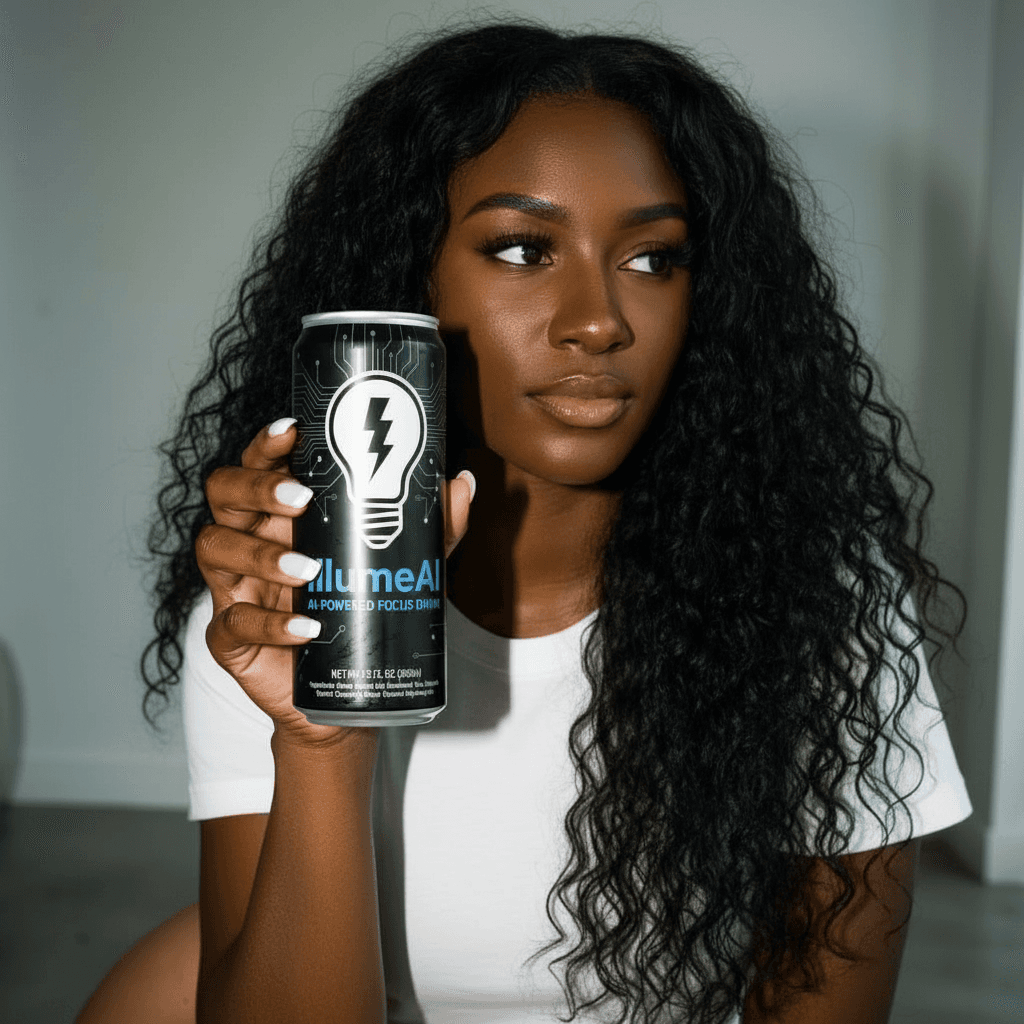 After
After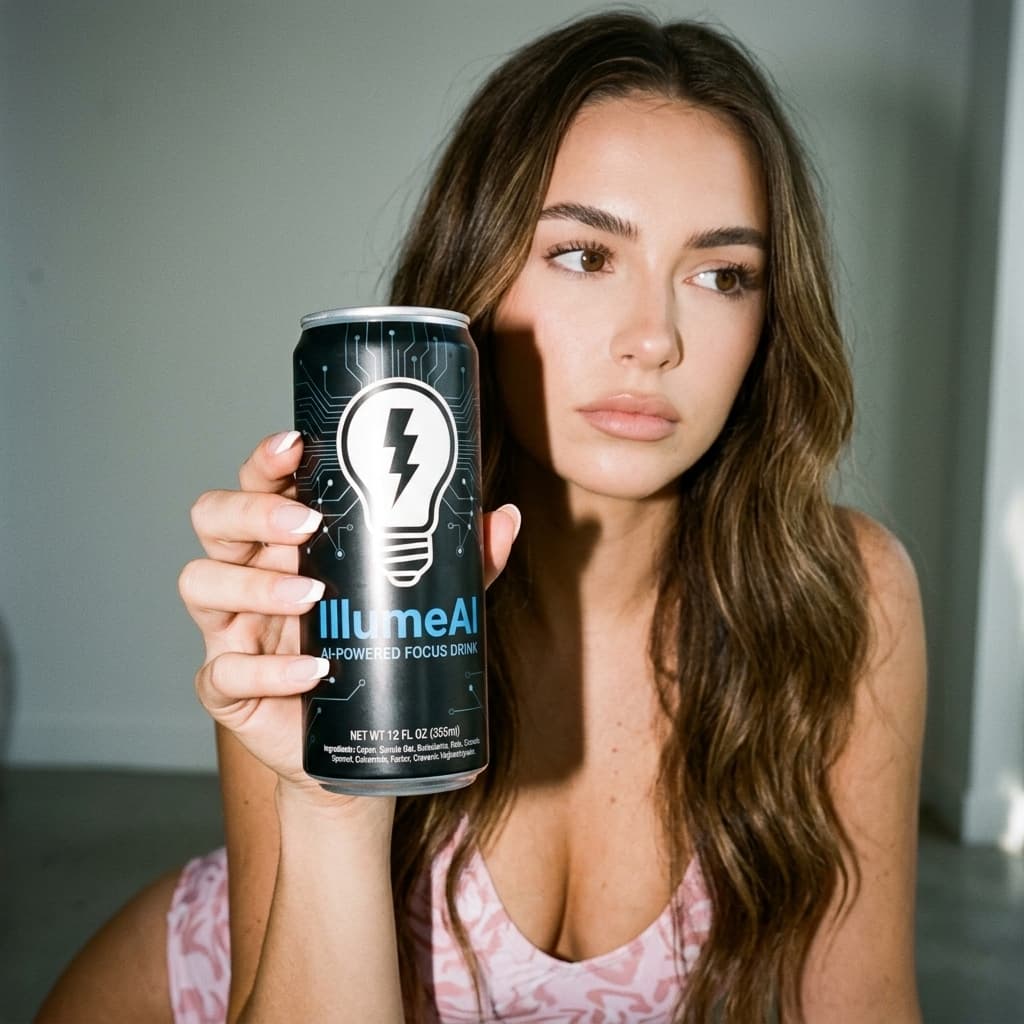 Before
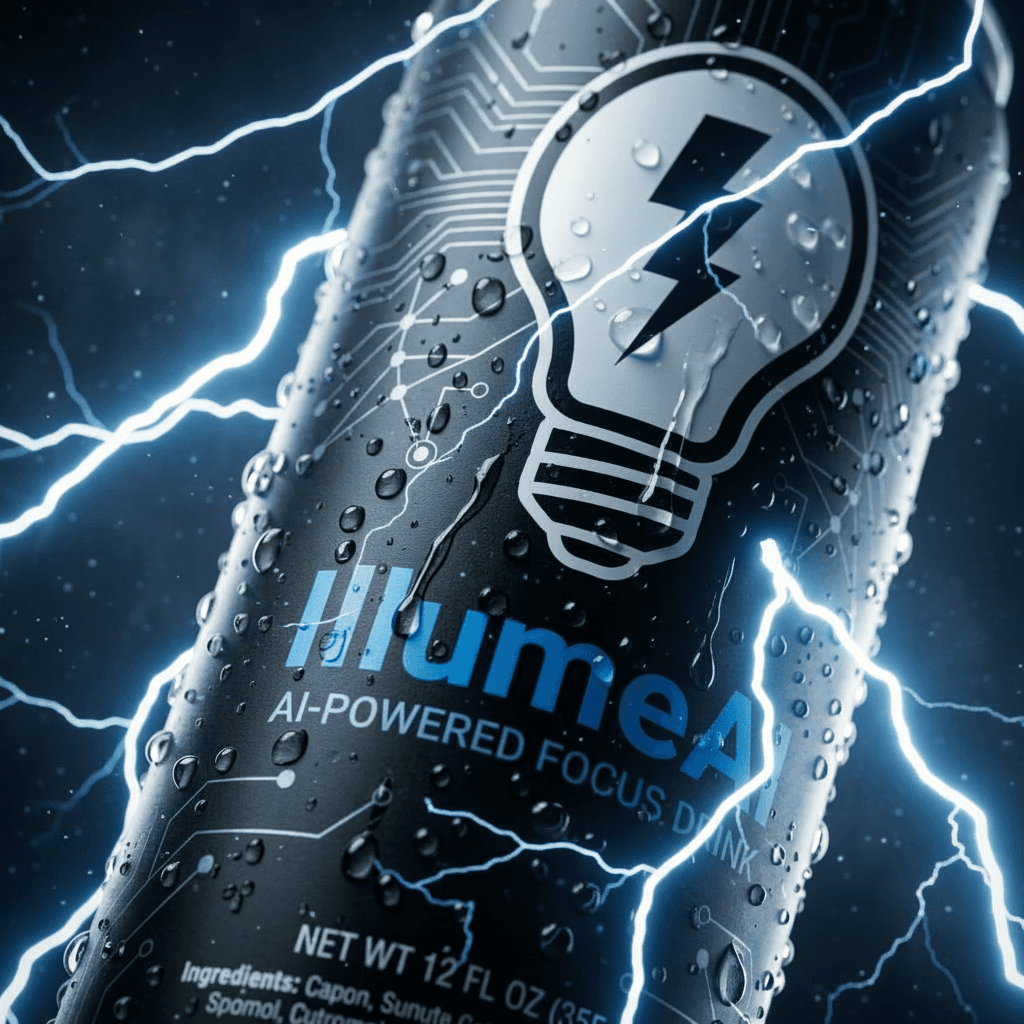 After
After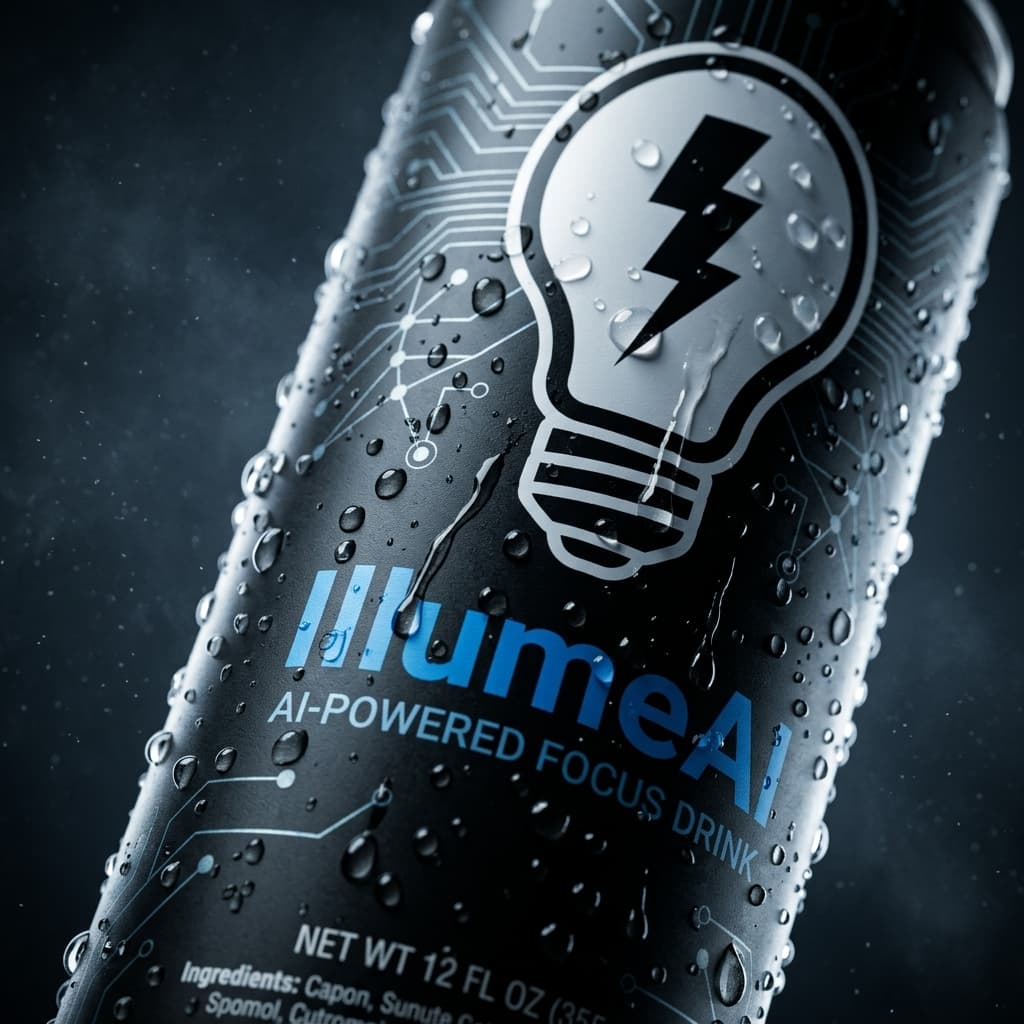 Before
 After
After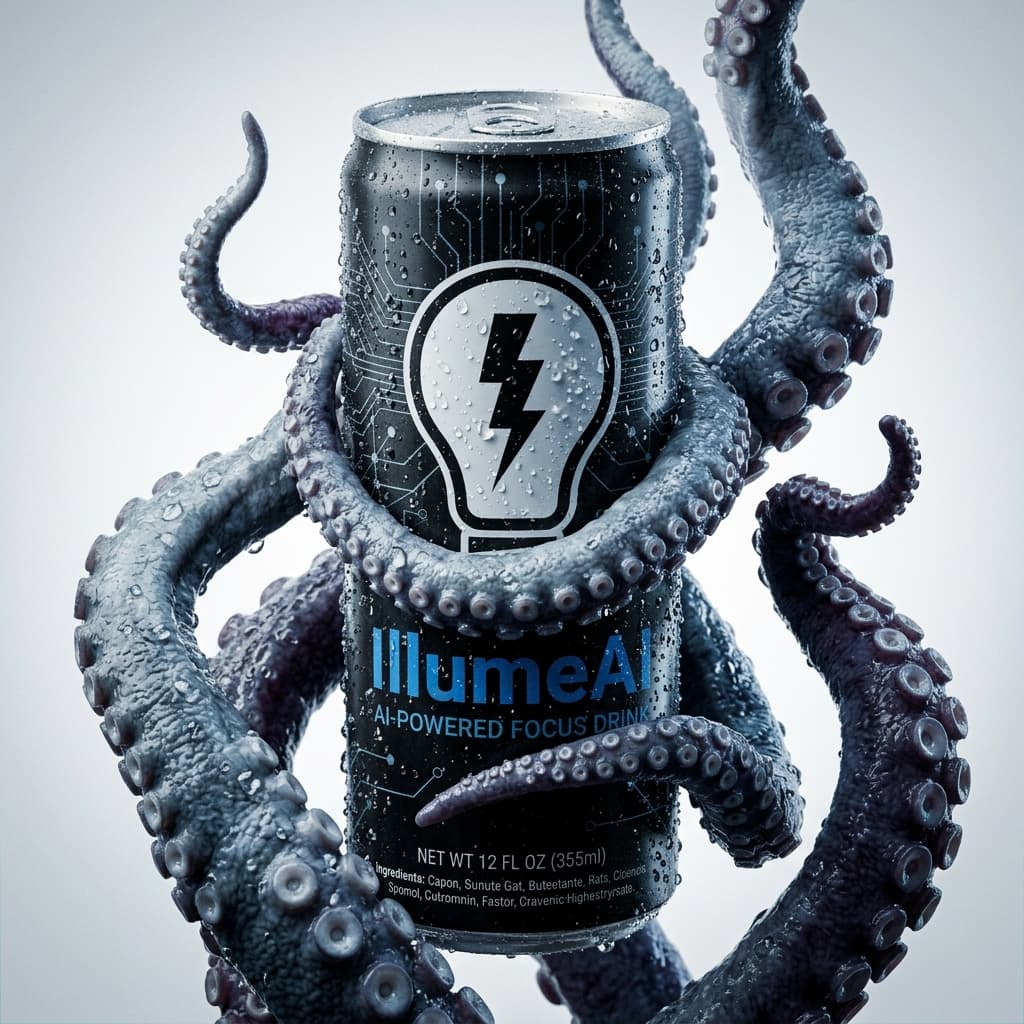 Before
Open the Image Editor from the tools menu.
Drop a JPG/PNG/WebP, optionally add a reference, write the change.
Hit Generate and download the result.
Try free — no card needed